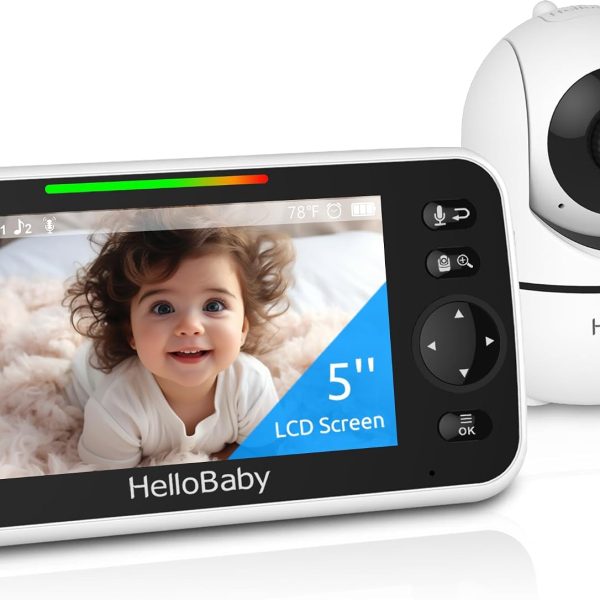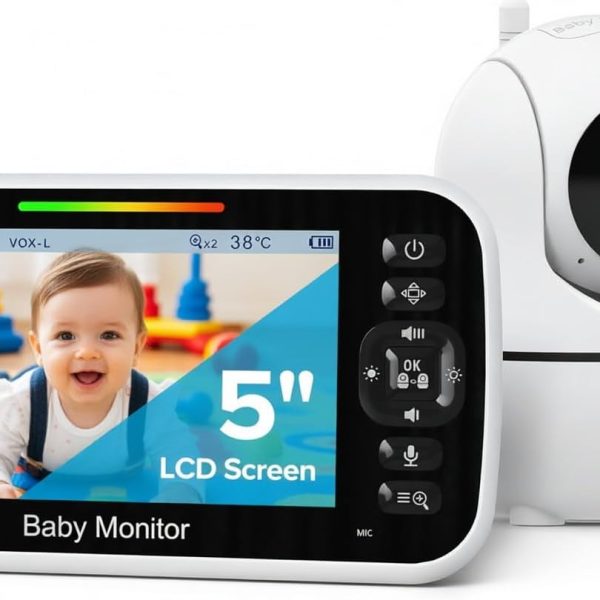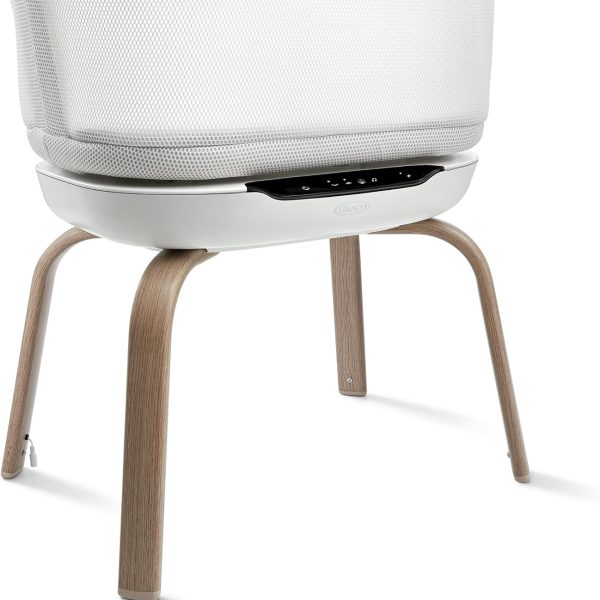
A baby monitor isn’t essential — many families who room-share for the first months barely use one. It becomes useful when your baby sleeps out of earshot, for naps while you’re elsewhere in the house, and later in the toddler years. The right choice depends on your home: a simple audio monitor covers most needs, a video monitor helps you decide whether to go in, and wearable “smart” monitors offer data and reassurance — but no monitor can prevent SIDS.
Key takeaways
- Safe sleep practices — not technology — are what protect your baby.
- Mount the camera and run cords at least 3 feet (1 metre) from the crib.
- Non-Wi-Fi monitors avoid most privacy risks; Wi-Fi models need strong passwords and updates.
- Wearable monitors can give false alarms and reassurance; the AAP advises against relying on them to reduce SIDS risk.
Types of baby monitor
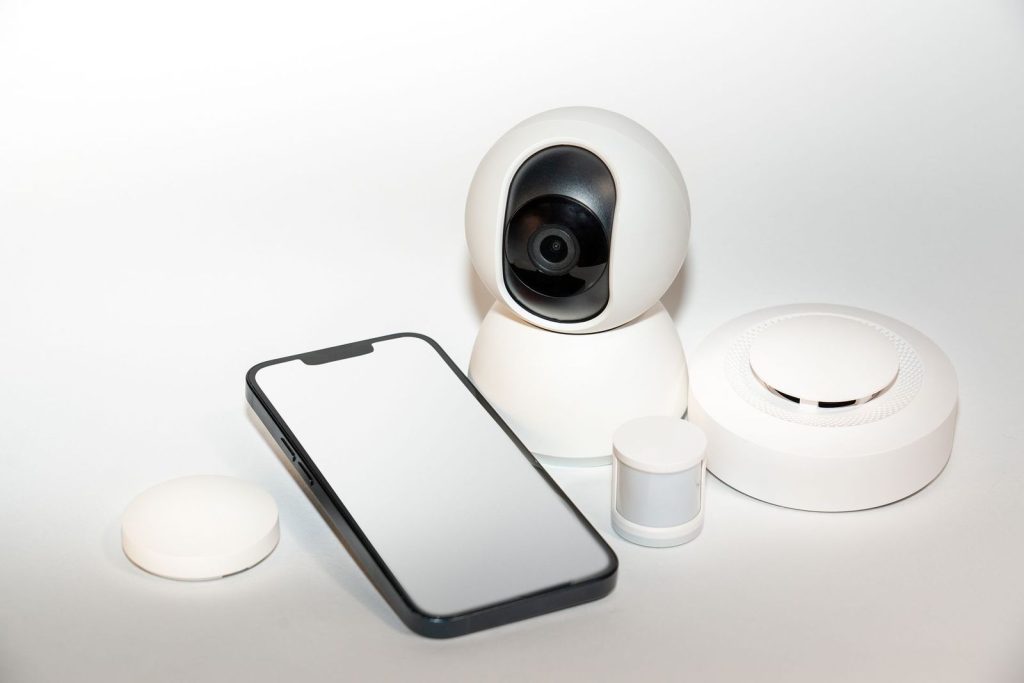
| Type | Best for | Trade-offs |
|---|---|---|
| Audio | Small homes, tight budgets, simplicity | No way to see if your baby is just stirring |
| Video (parent unit, no Wi-Fi) | Checking before you go in; privacy-conscious families | Limited range; no phone access |
| Wi-Fi / app camera | Watching from your phone, sharing with a partner | Privacy and security setup needed; depends on your network |
| Wearable / smart sock | Parents who want heart-rate and oxygen data | Cost, possible false alarms, not a SIDS-prevention device |
Features worth paying for
- Night vision that shows a clear picture in a dark room.
- Two-way talk for reassuring older babies and toddlers.
- Room temperature display — helpful for choosing sleep layers (see our sleep temperature guide).
- Good range and battery life on the parent unit.
- Pan and zoom if your child will move to a big-kid bed.
Features you can usually skip: lullaby libraries, cry “translation”, and night lights you’ll never use.
Wearable monitors: what they can and can’t do
Some smart socks are FDA-cleared to show pulse rate and oxygen saturation, and some parents find them reassuring. But the AAP recommends against using home cardiorespiratory monitors as a strategy to reduce SIDS risk, and false alarms can cause anxiety. If you use one, treat it as an extra — never a reason to relax safe sleep habits.
Safe placement
- Mount the camera on a wall or shelf at least 3 feet from the crib.
- Keep every cord — camera, power, sensor — well out of reach of the crib, using cord covers.
- Never place a monitor inside the crib or attach it to the rails unless it is designed and tested for that.
- Re-check placement when your baby starts pulling up to stand.
Privacy and security for Wi-Fi monitors
- Change the default password and use a strong, unique one.
- Turn on two-factor authentication if the app offers it.
- Keep firmware and the app updated.
- Buy from brands that publish security updates; consider a non-Wi-Fi model if in doubt.
Frequently asked questions
Do I need a monitor if my baby sleeps in our room?
Usually not at night. Some families still use one for daytime naps.
When can I stop using a monitor?
Whenever you feel comfortable — often once your child sleeps reliably and can come to find you.
Are monitors a radiation risk?
Monitors emit low-level radio signals similar to other household devices. Keeping the unit at a distance from the crib is sensible anyway for cord safety.